NOTICE:
Hospitals and healthcare professionals should follow their normal process of trying to locate emergency medical supplies, personal protective equipment (PPE), and other healthcare resources with their regular vendors and exhaust all possible options. These options may include contacting any sister facilities for coordination, reaching out to local partners or stakeholders, looking at any possible reallocations within the Public Health Region, Healthcare Coalition, Regional Advisory Council regions, or other medical supply agencies, given established priority groups. If hospitals and healthcare professionals cannot obtain any PPE from their vendor(s) and have exhausted all alternative options, they should send their official requests to their local office of emergency management via the STAR process. Please ensure you provide all relevant details for your request, to include type of item, POC information, and delivery address.
How To
If you are new to the assistance request process, these instructions will assist you with obtaining PPE Requests.
PPE
For all PPE requests through the STAR (State of Texas Assistance Request) Program, please follow the instructions by clicking the link above.
Staffing
For all Staffing requests through the STAR (State of Texas Assistance Request) Program, please follow the instructions by clicking the link above.
Equipment
For all Equipment requests through the STAR (State of Texas Assistance Request) Program, please follow the instructions by clicking the link above.
How To Submit for Assistance
Please Read the Request & Submittal Process Before Proceeding

Process for Submitting a STAR Request
If you are new to the assistance request process, the following instructions will assist you with obtaining PPE, Staffing, and Equipment Requests:
- Download the instructional .PDF "How-To" document HERE.
- For new users, begin by creating a new User ID HERE.
- Before submitting any assistance requests, you must have your forms completed, and be able to upload them to the assistance website.
- The forms are in .PDF format, and may be printed, or filled out electronically. Download to your computer for later use.
- A new request form must be submitted with each request.
- Requests must be picked up within 7 days, or the request will be returned to stock.
- A new request may only be submitted every 4 days after pick up of previous request.
Request PPE Assistance
Be sure you have downloaded and saved a copy of the PPE request form to your computer before proceeding, and that you have created your unique user ID as instructed under the "How To" section above

Process for Submitting a PPE Request
For all PPE requests through the STAR (State of Texas Assistance Request) Program, please follow the instructions below:
- Download the PPE Request Form HERE.
- Complete your PPE Request Form.
- Upload your completed PPE request form HERE.
- Once your request has been received and approved, the warehouse personnel will fill the order and notify you within 48 hours. Once your PPE request has been filled, you have 7 days to pick up your request, or the items will be returned to stock, and you will have to submit a new request. New PPE requests can be submitted 4 days after you have received your previous request. You may submit a request earlier than 4 days if you find yourself in an emergency situation. Details will be provided by warehouse personnel upon arrival.
Request Staffing Assistance
Be sure you have downloaded and saved a copy of the Staffing request form to your computer before proceeding, and that you have created your unique user ID as instructed under the "How To" section above

Vent & O2 Concentrator Equipment Assistance
Be sure you have downloaded and saved a copy of the VENT/O2 and PROPERTY AGREEMENT forms to your computer before proceeding, and that you have created your unique user ID as instructed under the "How To" section above
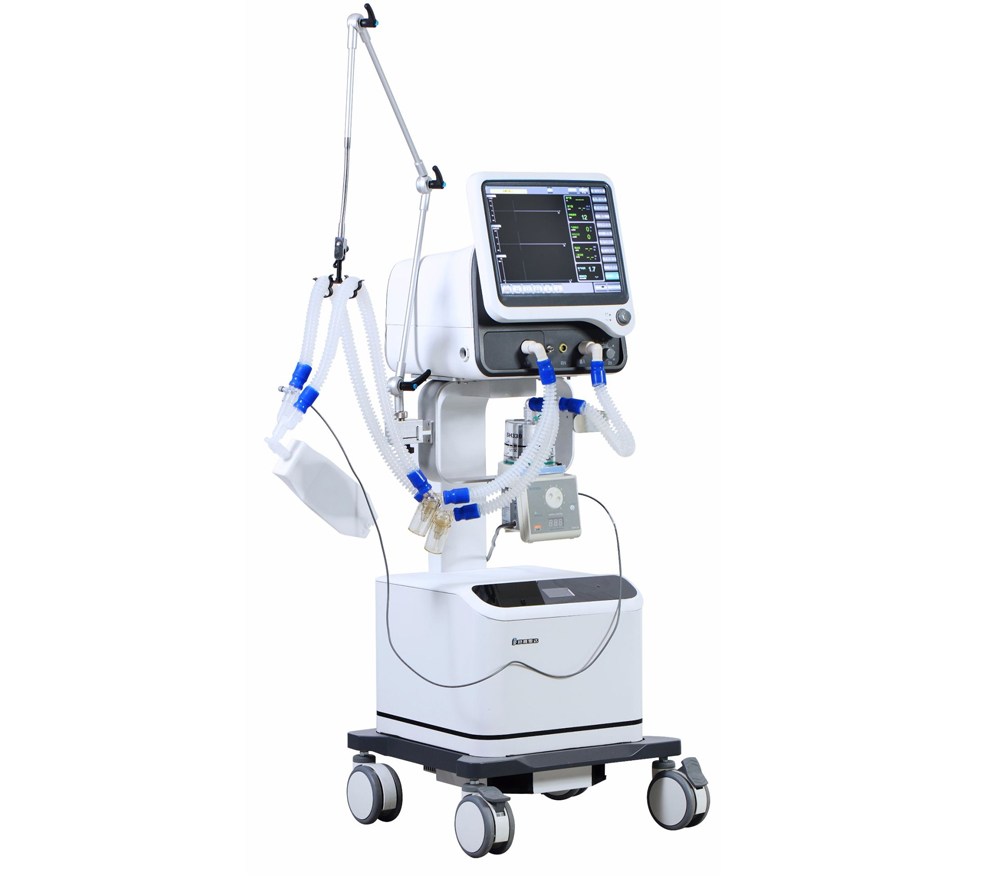
Process for Submitting a Ventilator & O2 Concentrator Equipment Request
For all Ventilator & O2 Concentrator Equipment requests through the STAR (State of Texas Assistance Request) Program, please follow the instructions below: